Smart Parental Control
Live Streams, Audio & Location
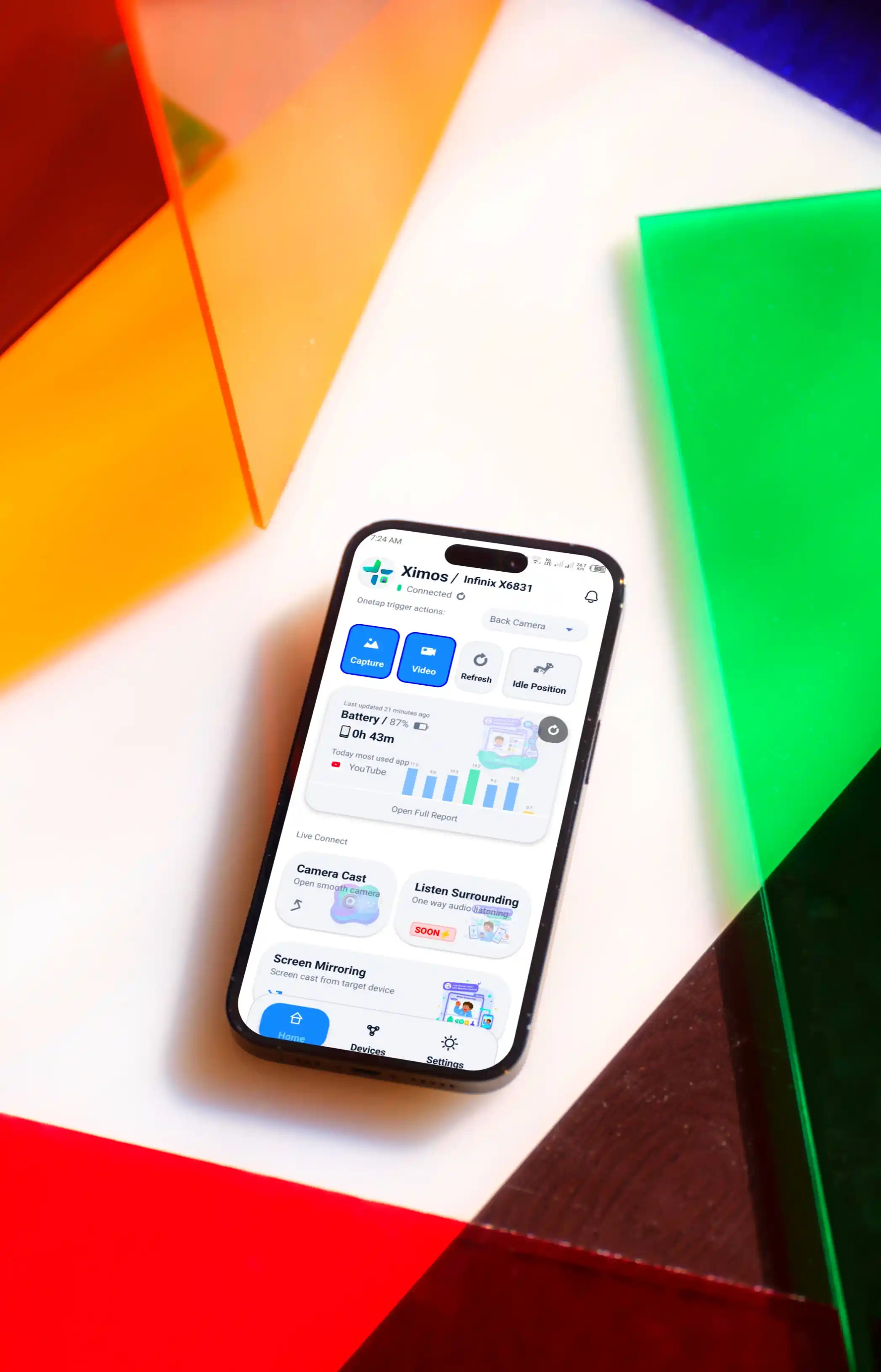
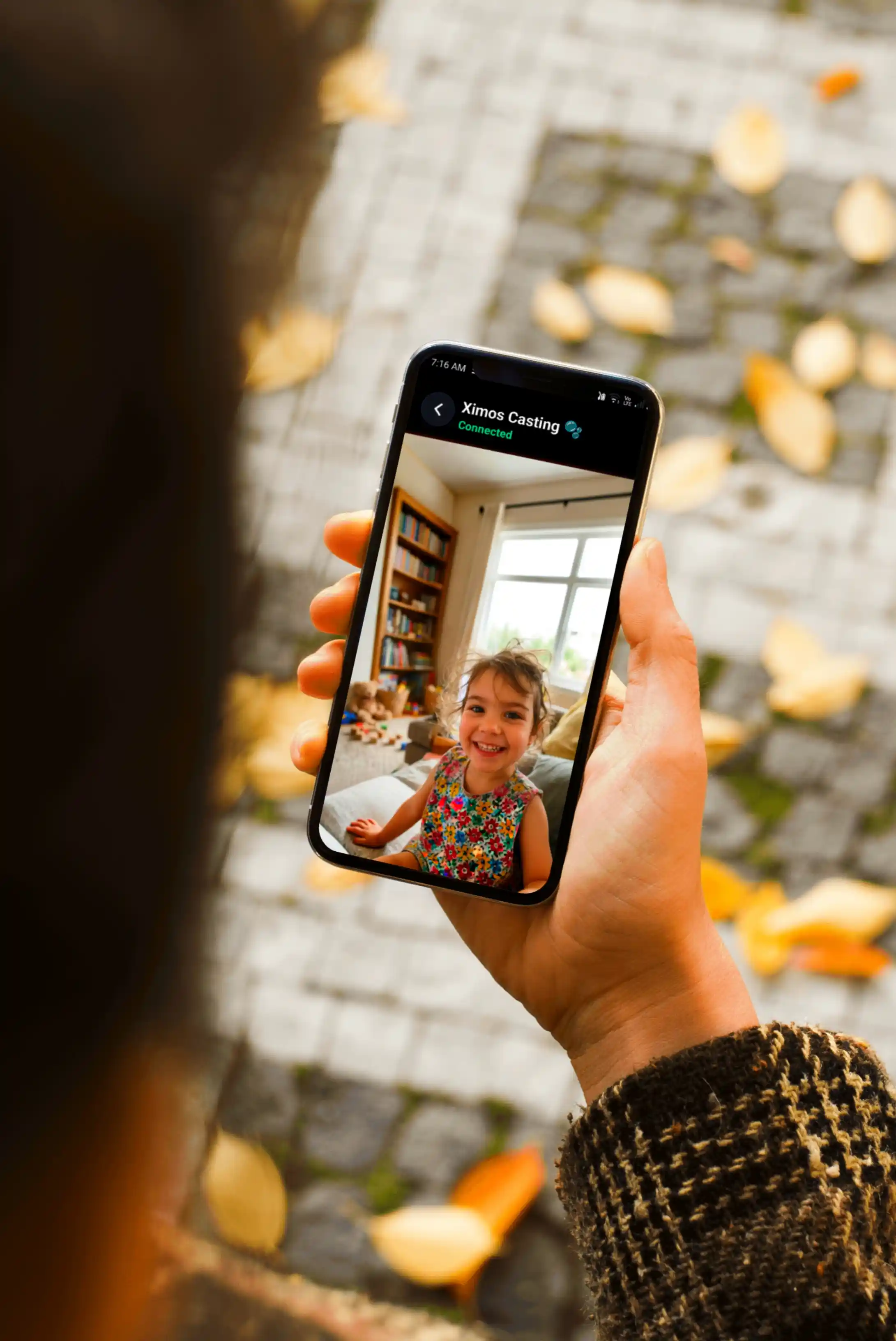
Live screen mirroring with full remote touch control, front/rear camera streaming with smart zoom & focus, one-way Surrounding Audio listening, remote live location tracking, screen-time reports, and a cloud media vault — all through a companion app that always shows on the child's device that it's active.
No subscriptions. Pay only for the stream seconds you use — or run entirely on free bonus seconds that refresh every 19 days.
Control panel for parents (v1.0.5)
Installed on the child's device (v1.0.5)
Built for Complete Peace of Mind
Every tool you need to protect and monitor your child's digital life — built on a peer-to-peer WebRTC engine that keeps latency low and battery drain down.
Cloud Media Vault Gallery
Captured photos and recorded video clips in 2K quality, synchronized to a secure cloud vault with automatic 30-day retention (plus a 7-day trash window).
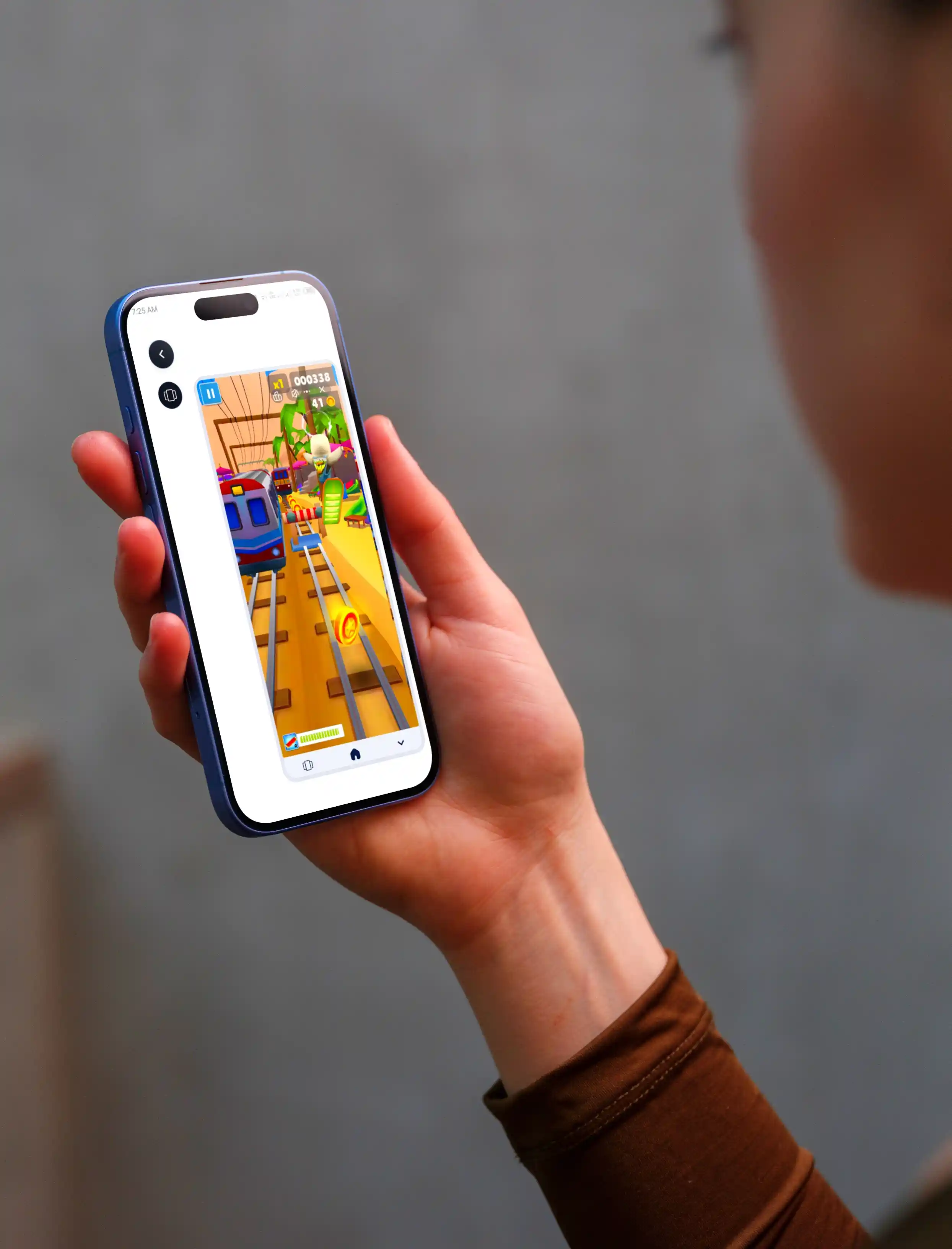
Screen Mirror + Full Device Control
Ultra-low-latency WebRTC screen casting with full remote touch control — click, swipe, and gesture input via the Accessibility Service, active only during a parent-initiated session.
Camera View Cast
Live front/rear camera streaming with mid-session flip, flashlight toggle, adaptive resolution (480p/720p/1080p), and bitrate up to 3.5 Mbps.
Surrounding Audio Listening
Standalone one-way live audio streaming. 48 kHz full-band Opus codec, 5-tier adaptive bitrate (8–96 kbps), 100–200 ms latency.
Location Tracking
Parent-triggered remote live location. GPS auto-enables via Accessibility Service (multi-language dialog auto-accept).
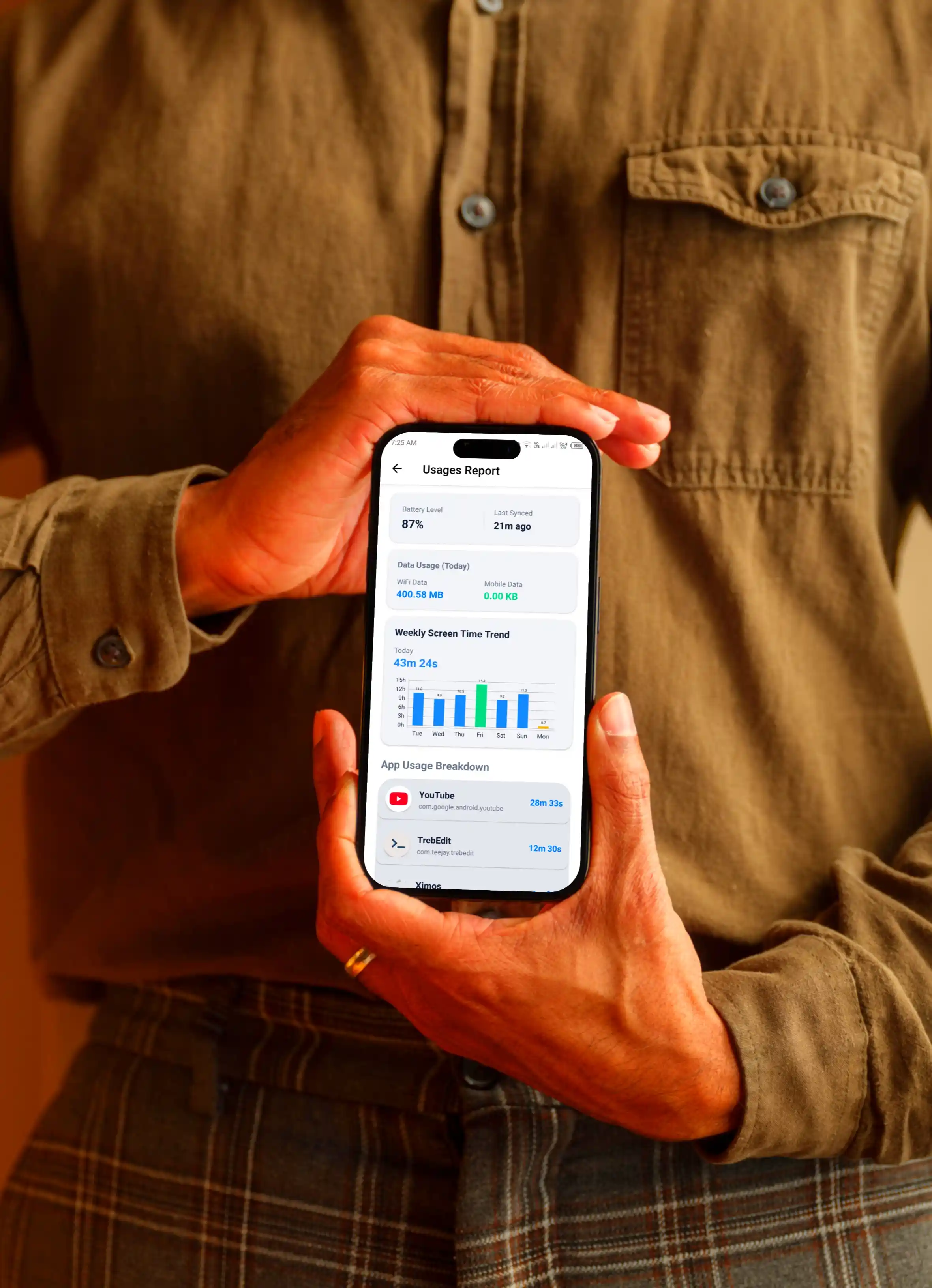
Screen Time + Device Full Usage Monitor
Screen time totals, per-app open count & duration, unlock count, battery level, current device time, and Wi-Fi / mobile data usage. Viewing only.
Photo Capture & Upload (2K)
Parent-requested remote photo capture in 2K quality. Automatically uploaded to the Cloud Media Vault.
Video Record & Upload (2K)
Parent-requested remote video recording in 2K quality. Automatically uploaded to the Cloud Media Vault.
Notification Send
Deliver a custom text notification directly to the child's notification shade — perfect for reminders and instructions.
Smart Alert Window
Full-screen priority popup dialog on the child device with a custom image and instructions that overlays active apps.
OnScreen Notify
Custom overlay notification (text + optional image) delivered to the child's screen — visible on top of whatever they're doing.
Clipboard Send
Push text or an image directly into the child device's clipboard — ready to paste into any app instantly.
Open App
Launch a specific app on the child device by its package name — useful for guiding them to a study or health app.
Action Command URL Send
Send a URL or action command to open a specific link in Chrome on the child device — one-tap delivery.
Only 3 Features Use Stream Seconds
Screen Mirror, Camera Cast, and Surrounding Audio are the only features that draw from free bonus seconds or balance — because they carry real ongoing server cost (WebRTC signaling, TURN relay, session management). Everything else in Ximos is unlimited and free.
Screen Mirror
Draws from free bonus seconds or balance interchangeably. Full remote touch control included.
Billed by stream secondCamera Cast
Draws from free bonus seconds or balance. Requires min 400 free seconds or any positive balance to start.
Billed by stream secondSurrounding Audio
Draws from free bonus seconds or balance. Sessions over 60 seconds get a 10-second billing discount.
Billed by stream secondStart Free
720 free bonus seconds on signup + 250MB of cloud storage. Sign up with a referral code and get 1,080s instead.
Refreshes Every 19 Days
Your free bonus seconds refill back to 720s every 19 days — no cap on how many resets. Use them for any of the 3 stream features, unlimited.
Earn By Watching Ads
Run out of bonus seconds? Watch reward ads to earn more credit, up to 50–60 credits a day, converted directly into streaming seconds.
Refer & Earn More
Get 420s for every friend you refer — grows over time up to 5,000s per active referral.
Everything else: unlimited & free
Location Tracking, Usage Monitor, Photo/Video Capture, Notification, Smart Alert, OnScreen Notify, Clipboard, Open App, Action URL — no per-use cost, no duration limit.
Top up any time — min $1 via crypto
Purchased balance never expires. Only the free bonus resets on its 19-day cycle. Balance and free seconds work interchangeably on all 3 stream features.
Version-by-Version Changelog
Every shipped update to the Ximos parent app and the XimosKid child app, newest first.
Ximos Parent App
com.ximexa.ximos · Current: v1.0.5
Location Tracking · Smart Zoom & Smart Focus for Camera Cast · WebRTC Data Channel for low-latency camera commands · Surrounding Audio with 5-tier adaptive bitrate + waveform UI · 400s minimum for Camera Cast · Free OSM map (Street / Satellite / OSM)
Enhanced WebRTC stability · Web dashboard integration · Cloud Media Vault gallery polish · Usage monitor charts
Initial public release · Live Screen Cast with remote touch control · Camera Cast (front/rear) · One-way audio listening · Cloud Media Vault foundation · Smart Alert & OnScreen Notify
XimosKid Child App
com.droid.ximexa · Current: v1.0.5
Location Tracking with GPS auto-enable (multi-language dialog auto-accept) · Multi-stage fetch + Network Provider fallback · Smart Zoom & Focus handling · Adaptive audio pipeline (5-tier bitrate) · Earbud / Bluetooth auto-routing · Improved accessibility service stability
Camera Cast (front/rear) with flip & flashlight · Photo capture (2K) · Video record (2K) · Cloud Media Vault upload · Usage monitor reporting
Initial public release · Screen mirroring with MediaProjection · Accessibility Service remote-touch foundation · OnScreen Notify · Smart Alert Window · Clipboard Send · Open App · Action Command URL
Both apps are signed by Ximexa LLC using RSA 2048-bit keys with the Android v3 signature scheme. Independent static-analysis results (MobSF) and VirusTotal scans for each version are published on the Trust Center.
We Keep As Little As Possible
Screen, camera, and audio streams travel directly between the child device and your dashboard over an encrypted peer-to-peer connection. Location payloads are relayed in real time and never persisted server-side. We only ever store three things on our servers — the device ID, brand name, and account email — and each is deleted once its job is done.
The only data we store server-side, deleted after each job.
Built To Feel Instant
Screen, camera, and audio streams connect device-to-device over WebRTC instead of relaying through a middle server. Camera control commands travel over a separate low-latency WebRTC Data Channel.
Stream Latency Target (ms)
Lower is betterPay-As-You-Go vs Subscription
Casual use, 15 days / 3 monthsNo monthly or 3-month lock-in. Your balance only moves when you actually stream, and free seconds refresh every 19 days.
App Interface Gallery
Hover over any screenshot to see another preview.
Ready To Protect Your Child?
Download the official Android APK files or access the web dashboard directly in your browser.
Product Roadmap
Upcoming features and system updates.
Location Tracking + Smart Camera
Remote live location with multi-source fallback, smart zoom & smart focus on Camera Cast, Surrounding Audio with adaptive bitrate, and WebRTC Data Channel for camera commands.
SOS Trigger & Fast File Share
A one-tap SOS button on the child's device and quick file sharing between parent and child phones.
Time Limits & Content Filtering
Screen/app time limits, bedtime restrictions, and (under exploration only) opt-in app blocking and keyword/content filtering.
Watch Video
Learn more about Ximos
Frequently Asked Questions
Everything you need to know about Ximos and XimosKid.